Prostream: document management for every stage of your project
A construction project keeps changing, and your documents change with it: drawings during design, contracts and work instructions during construction, a complete file at handover. With Prostream, you work through every stage from the same structure, always with the right version at hand.
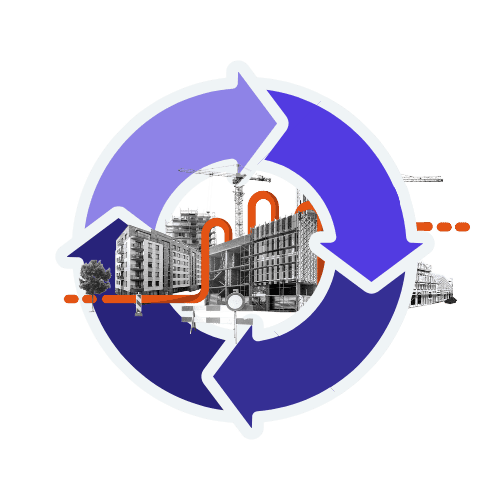

What gets lost between stages
We see it constantly: preparation starts every project from scratch, drawings sit on a shared drive during design, updates travel through different channels during construction, a phone call here, an email there, and at handover someone has to gather everything back together into a file for management. Work this way and something is guaranteed to go missing at every handover between stages. Think of a document version, proof that a change was made, or simply certainty about which information still applies.
With Prostream, files stay put. The same drawing, with a clear, automatic version history, simply moves with you into the next stage of the project: from preparation, through design and construction, to management. Below is what that delivers at each stage.


Stage 1: preparation
A smooth, organised start
Before the first drawing arrives, the structure is already in place. Templates for folder structures, metadata and permissions let you set up a new project in a few clicks, exactly like the last one: same layout, same fields, same permissions. Invite partners and project members straight away, so everyone who joins knows from day one where things are and who can access them.

Stage 2: design
Always clear which version applies

Drawings and models change fast during design. Prostream automatically shows who changed what and when, and one click marks which version applies. The same goes for BIM models: the Solibri integration combines Solibri’s model checking with that same automatic version control, so internal colleagues and external partners always work from the same version. Arguments over “is this the latest one?” disappear, because there’s only one answer to that question.
Stage 3: construction
Getting work done, with a file that builds itself
On site, you work with what you’ve got: a phone, no desk, sometimes no signal. Documents and snags stay accessible, even offline, and sync the moment you’re back online. You edit documents directly online, view BIM models without opening separate software, and capture evidence the moment it’s created. By handover, a complete as-built file is already sitting there, ready to support your legal handover requirements.

Stage 4: management and aftercare
A smooth handover, a file with no gaps

At handover, what you can prove is what counts. Prostream keeps the complete history of every document: who changed what, when, and against which version. That file is ready for handover to management straight away, with no one left chasing documents afterwards, and if a dispute comes up, you can show in one glance that everything was done correctly.
Property managers, facility managers and housing associations carry on with that same file: planning maintenance through the Multi-Year Maintenance Plan (MYMP), with the digital twin and detailed building specifications always at hand.
Document management that moves with the standard
Construction is thinking less in a hard split between the build phase and the management phase, and more in one continuous process where information outlives the project. ISO 19650, the international standard for information management in construction, is moving in the same direction: from BIM models alone to information management across the full lifecycle. Our client Van Wijnen put it well:
Construction is, in a sense, also information management.
Prostream already does what that shift requires: one place for documents, from preparation to management.
Frequently asked questions about Prostream for every stage of your project
Is Prostream a replacement for SharePoint or Dropbox?
Dropbox and SharePoint store files, Prostream is about working from the right version: who changed what, which version applies, and who’s looking at it now. And with SharePoint, you don’t have to choose: the SharePoint integration links a SharePoint folder directly to a Prostream folder, and documents come across automatically, with version control intact. SharePoint stays your office environment, Prostream stays the place where the construction project lives.
Does Prostream still work after construction, during the management phase?
Yes. The document file you build up during construction stays accessible and complete at handover to management. You don’t start over in a different system.
How does Prostream relate to BIM?
BIM models and their related documents need a home once they leave the design phase. That’s where Prostream comes in. As the standard shifts towards information management across the full lifecycle, that role only grows.
Can I use Prostream without other Pro4all solutions?
Yes. Prostream works entirely on its own. Where it makes sense, it connects with other tools in your project, without you switching to a different platform.
HEAR IT FROM THE PROFESSIONALS
They are using Prostream
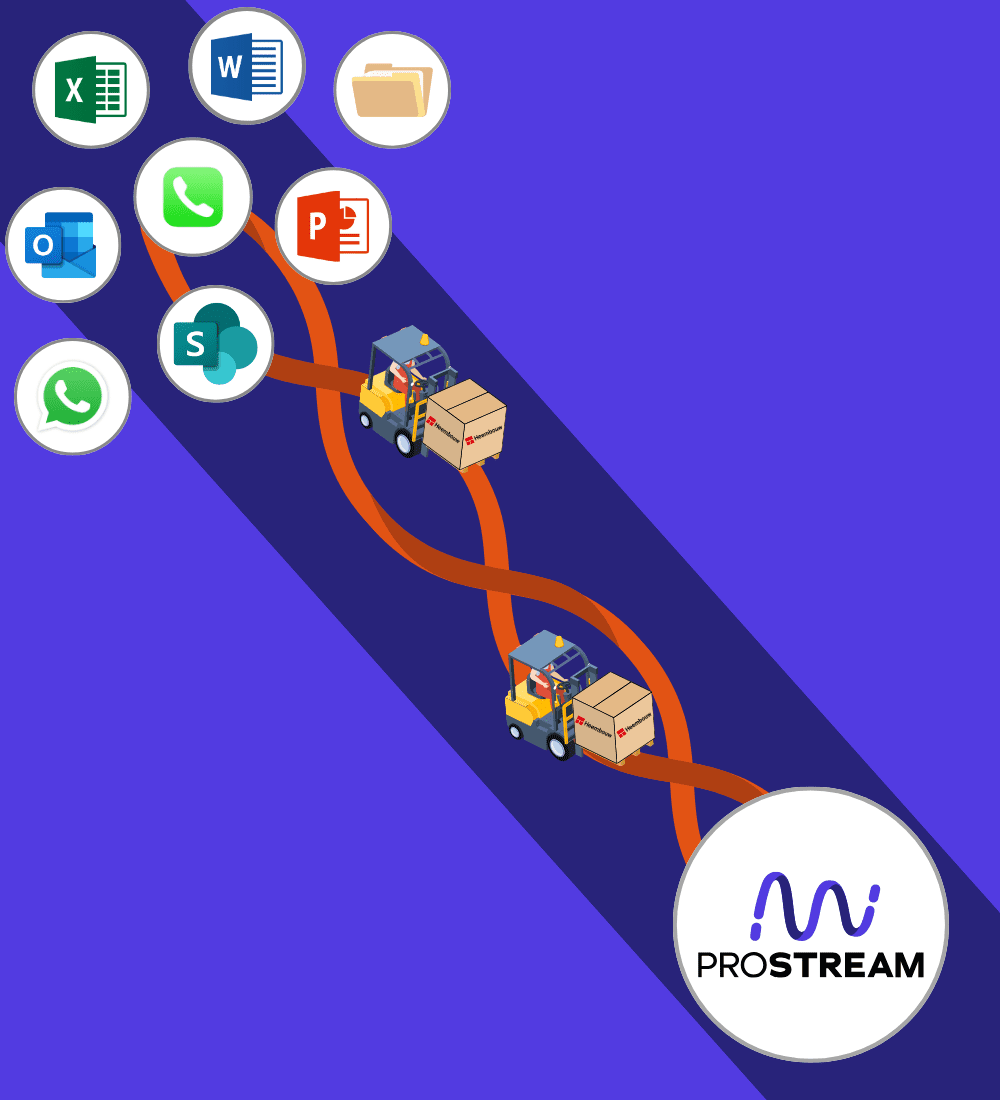

Heembouw says goodbye to local drive and fully commits to Prostream


‘Digital drawings are easy to share, which is also where the biggest risk lies. A good management system prevents proliferation’
Kevin van den Tillaart, project manager at Vgib
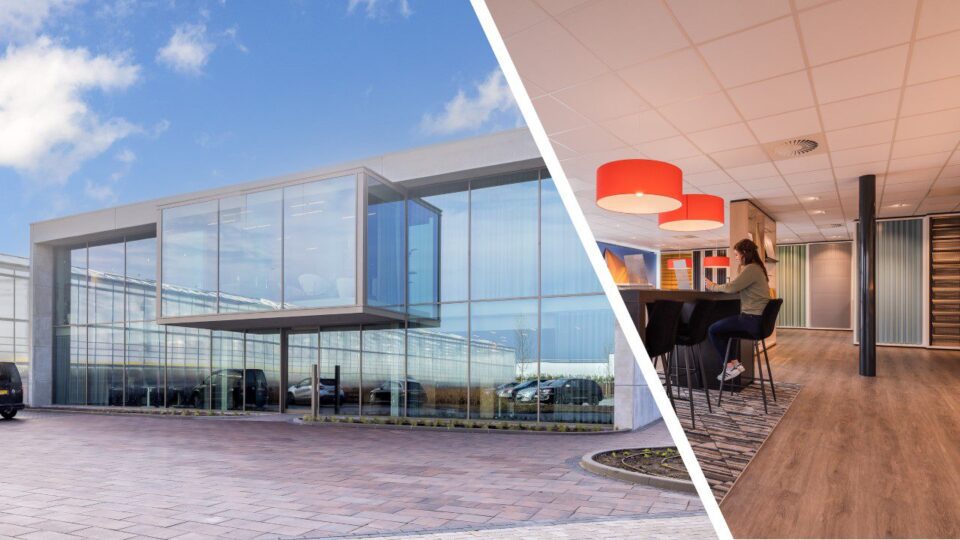

“Everything is accessible to everyone, everywhere.”
Nicole van Est, work planner at Van Mourik Bouw B.V.
See how Prostream works at every stage of your project