Sharepoint integration
Work in SharePoint like you always do, build with the certainty of Prostream
Most contractors don’t work with a single document management system. In the office, they use SharePoint, with general documents, contracts and the folders the organisation needs. But construction projects need something different: an environment where versions are correct, where the site manager knows the drawing on their phone is the right one, and where the handover dossier builds itself. With the SharePoint integration, you don’t have to choose. Documents uploaded to a linked SharePoint folder land in Prostream automatically, with version control intact.

Make working with the right version easier
The benefits of the SharePoint integration

No more manual transfers
The integration moves files from SharePoint to Prostream automatically. Nobody has to do that manual work anymore.

The site works with the right version
Change something in SharePoint, and the new version lands in Prostream automatically. The site manager sees what’s current.

You choose which folders go to Prostream
Set up as many links as you need: for each link, you choose one SharePoint folder and one Prostream folder. Keep sensitive documents in a SharePoint folder that stays outside the integration.

SharePoint stays your office environment
The office keeps working the way it works. The integration doesn’t change how SharePoint is used.
The other way round too:
Prostream to SharePoint
A new document in a linked Prostream folder lands in the linked SharePoint folder automatically. For each link, you set the direction: from SharePoint to Prostream, from Prostream to SharePoint, or both. It isn’t a live sync but action and reaction: when something happens in one system, the other follows.
A new document in Prostream lands in SharePoint too, if you set it up that way.
No more manual transfers
On a typical day, dozens of drawings, plans and documents move from one system to another. Someone pulls a drawing from Prostream, makes edits, saves it in SharePoint, and then has to put it back into Prostream by hand. Sometimes that goes fine. Sometimes someone forgets a step. Then the new version sits in SharePoint but not in Prostream, and the site keeps working with what was there yesterday.
The integration removes that manual work. You set up a link once between a folder in SharePoint and a folder in a Prostream project. From that point on, changes come in automatically. Nobody has to think about it.
The site works with the right version
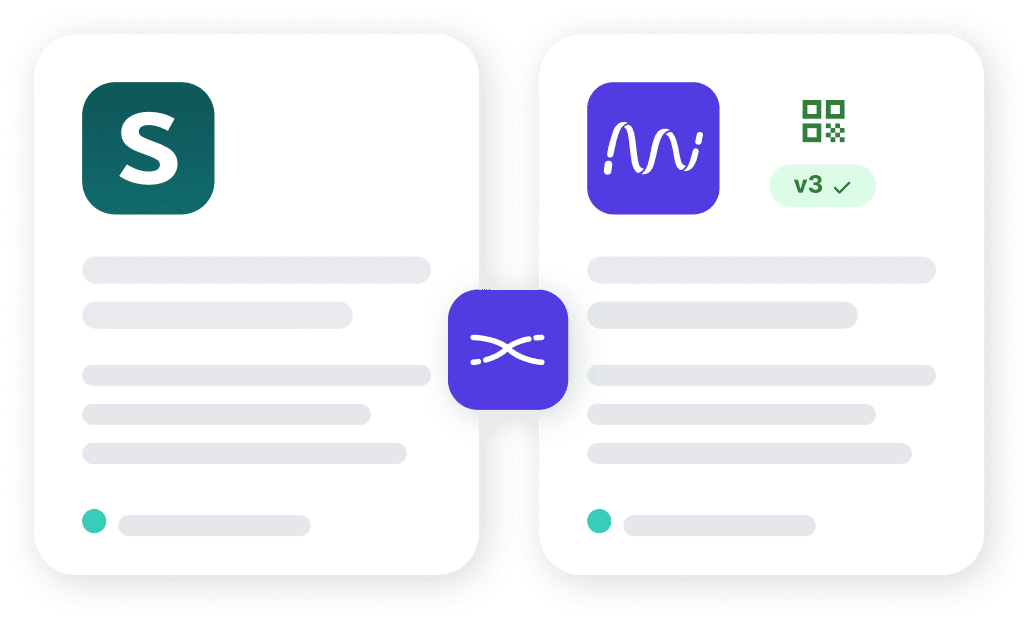
On site, people work with whatever’s in their hands. A phone, a tablet, a printed drawing with a QR code. The last thing you want is a site manager working from last week’s version, while a new revision has long since arrived at the office.
Because the integration is version-aware, Prostream’s version control stays intact. Change a drawing in SharePoint, and it comes into Prostream as a new version. The QR code on site always shows whether something is the latest version, or not.
You choose which folders go to Prostream
Not every SharePoint document necessarily belongs in Prostream. Contracts, personnel files and internal notes are often better off in SharePoint, where IT and HR manage them. The integration respects that distinction.
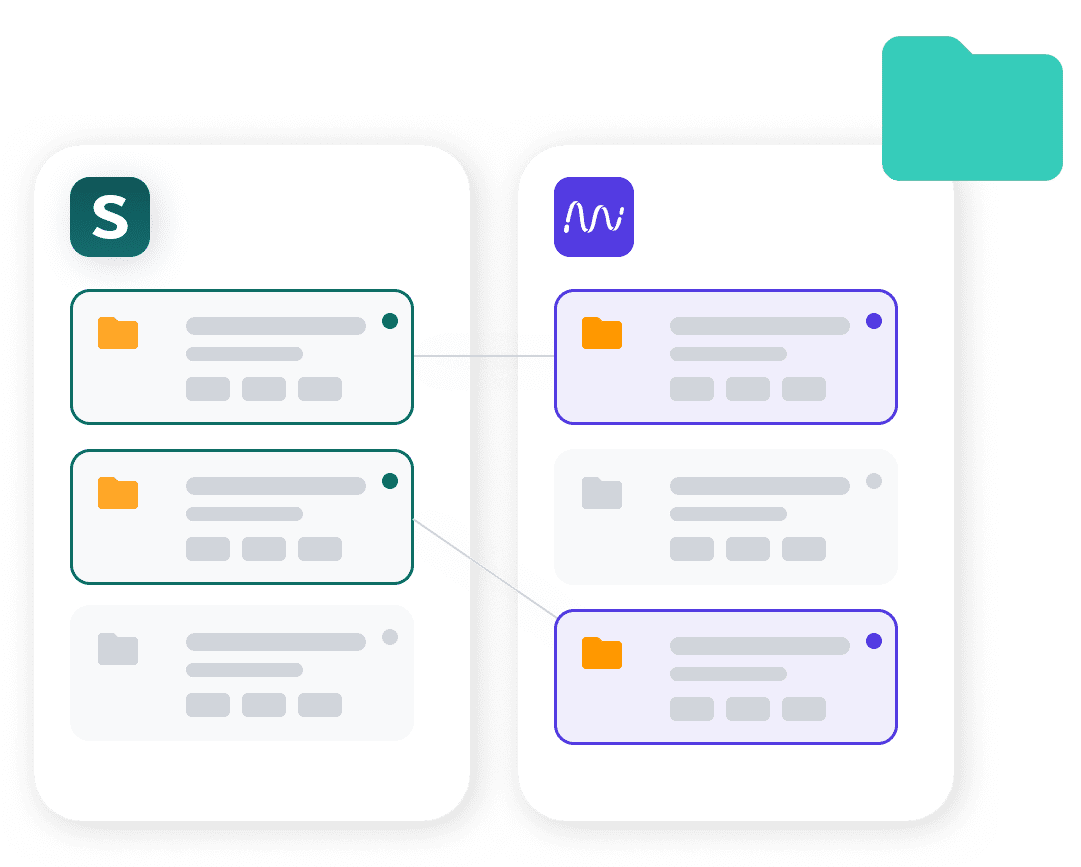
You set up as many links as you need, for example per project or per document type. For each link, you choose one SharePoint folder and one Prostream folder. Every document uploaded to a linked SharePoint folder lands automatically in the matching Prostream folder. Already a file with the same name? Then it’s added as a new version.
Whatever sits in other SharePoint folders stays completely outside the integration. So you simply keep sensitive documents out of the linked folders.
SharePoint stays your office environment
The integration doesn’t turn SharePoint into a DMS for construction projects, and that’s not the point either. SharePoint stays where it’s strong: general documents, office files, organisational information. Prostream stays the place where the construction project lives, with version control, role-based access, tasks and, in the end, the handover dossier.
People in the office keep working the way they’re used to. People on site get what they need. The integration does the rest.
Made possible by Pro4all Connect
This integration is made possible by Pro4all Connect, Pro4all’s platform that connects construction software with the other systems your organisation uses.
FAQ: Frequently asked questions about the SharePoint integration
What exactly is the SharePoint integration?
The SharePoint integration makes sure that documents uploaded to a linked SharePoint folder land in Prostream automatically, with version control intact.
How does the integration work?
You link a SharePoint folder to a Prostream folder. Every document uploaded to the SharePoint folder lands in the linked Prostream folder automatically. If a file with the same name already exists in Prostream, it’s saved as a new version.
Does it also work the other way round, from Prostream to SharePoint?
Yes. A new document in a linked Prostream folder lands in the linked SharePoint folder automatically. For each link, you set the direction: from SharePoint to Prostream, from Prostream to SharePoint, or both. It isn’t a live sync but action and reaction: when something happens in one system, the other follows.
Can I link multiple SharePoint folders to Prostream?
Yes. You can set up multiple links at the same time. Different SharePoint folders can each go to their own Prostream folder.
What if I have sensitive documents in SharePoint?
They stay outside the integration. For each link, you choose one SharePoint folder that goes to Prostream. Anything in other SharePoint folders doesn’t come across. If you want, you can keep contracts, financial documents or internal notes in a different folder, and that stays entirely in SharePoint.
What happens to versions in Prostream when I work in SharePoint?
Prostream’s version control stays intact. Change a file in SharePoint, and it comes into Prostream as a new version. Earlier versions aren’t overwritten, they build up.
Does SharePoint replace Prostream now, or the other way around?
Neither. SharePoint stays the office environment, Prostream stays the place where construction projects live. The integration connects them, it doesn’t replace anything.