Pro4all BIM Compass in Prostream
Try Pro4all BIM Compass in Prostream for free until November 30.
BIM the way you actually want to use it:
At the office and on site
View your models in 3D and 2D, in your browser or in the app. Create your own views and share them with your team. Validate against your own rules, find clashes and follow up on issues until they are resolved. And because Pro4all BIM Compass works with Prostream, you open your models straight from your projects.
3D and 2D. Your own views. Validation. Clash detection. Issues. In your browser and in the app.
Try it for free!
Try Pro4all BIM Compass for free through November 30, with all features. On one project or several at once: you decide. No mandatory demo. No implementation project. Just start with your own models.

Five capabilities, one BIM environment
No more switching between one tool for clashes, another for issues and a third for the site. In Pro4all BIM Compass you do it all in one place.
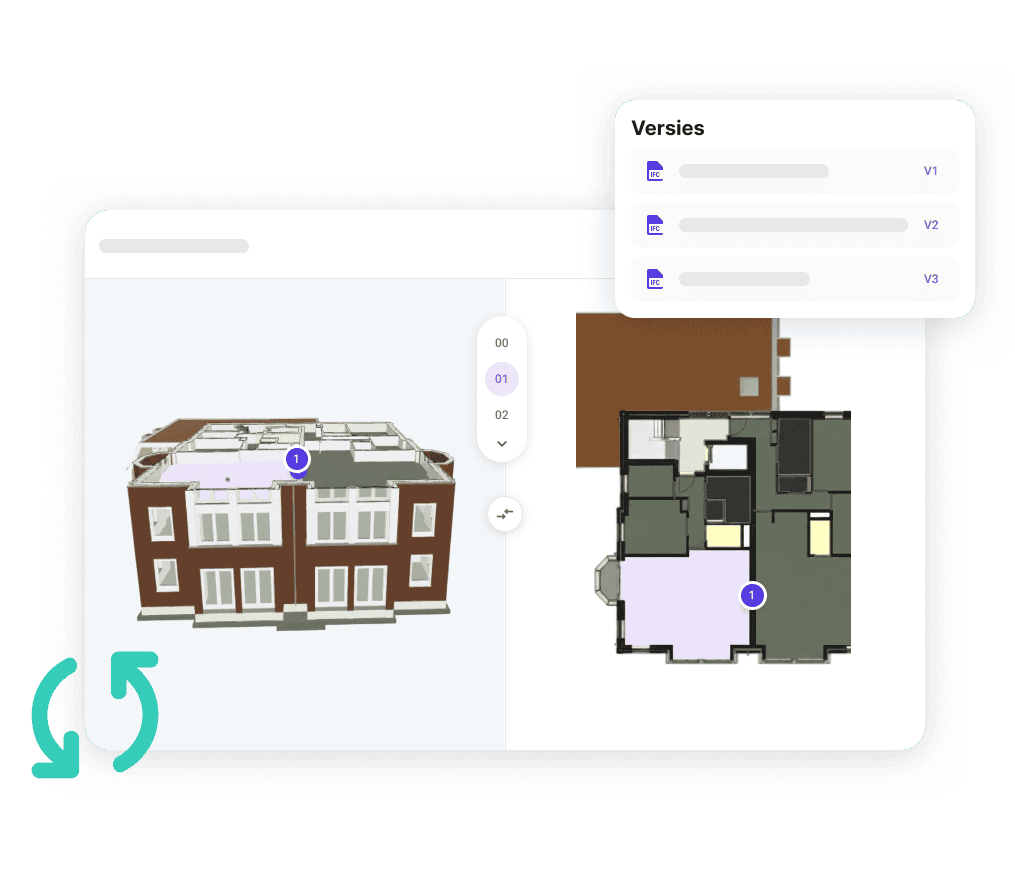
View in 3D and 2D, right in your browser
No installation, no heavy computer. In split view you see 3D and 2D side by side, cut through the model floor by floor and overlay the PDF drawing. Working with several models? Compare versions and see straight away what changed.
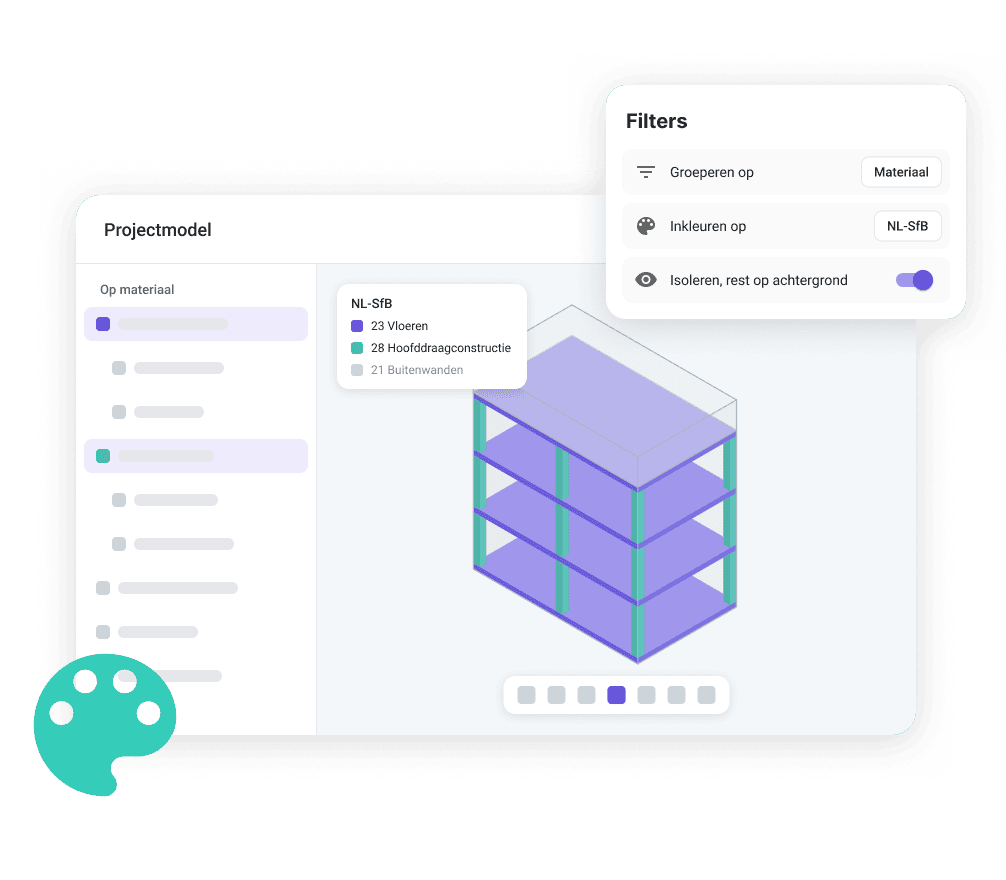
Create your own views. Share them with your team.
Filter by properties, materials, disciplines or classifications and color elements, for example by NL-SfB code. Save your view and share it with your colleagues. That way the work planner prepares a work package that the site manager opens straight away in the app. Most BIM apps only show what the office has prepared. With the Pro4all BIM Compass app, you create your own views too, right on your phone.
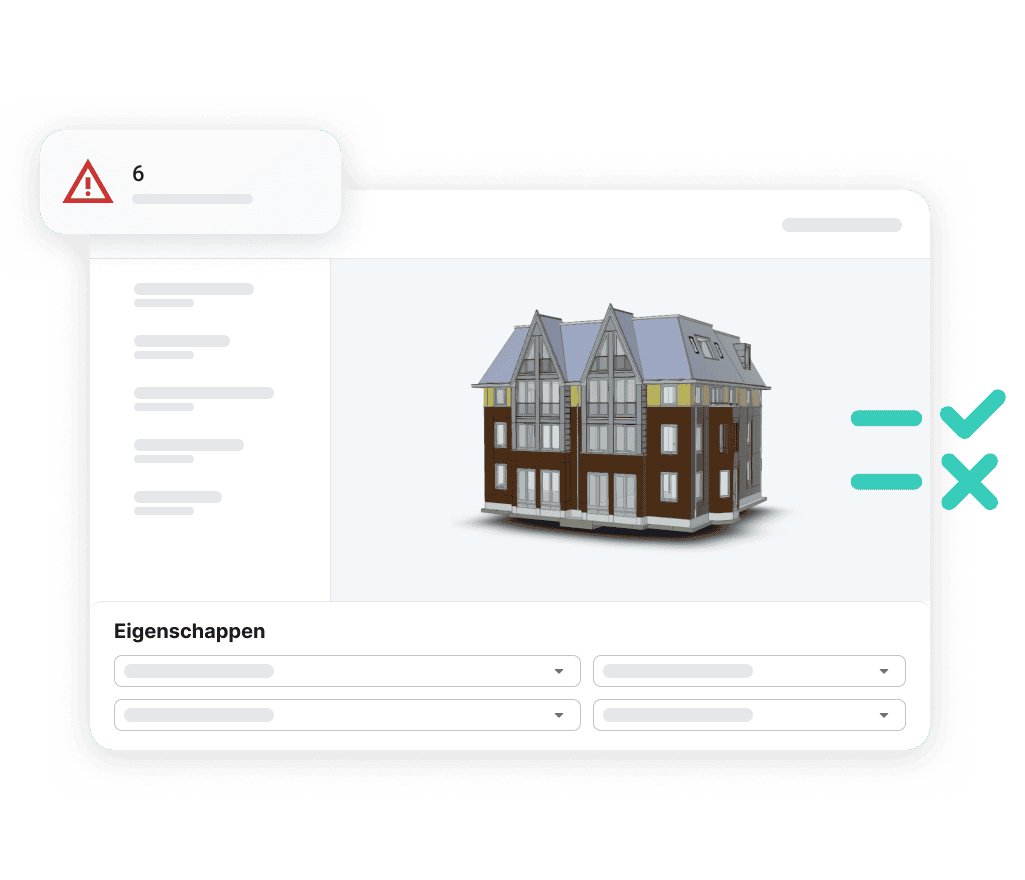
Catch mistakes before you build
Check your model against your own IDS rule sets or the ready-made BIM basis ILS. Save your rule sets for the whole company, so every project starts with the same checks. Is the classification right? Are the right properties in there? When a new version comes in, Pro4all BIM Compass automatically checks whether earlier findings have really been resolved.
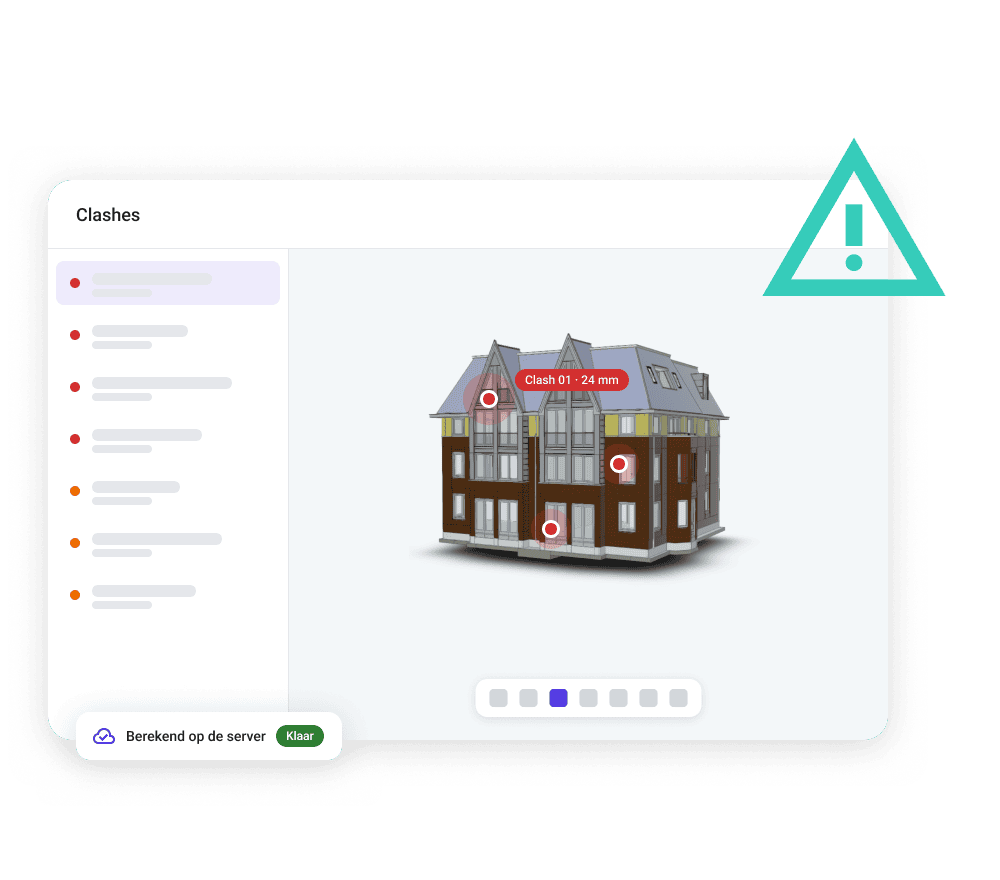
Find clashes on your screen, not on site
Find clashes between disciplines: everything against everything, or one discipline against another, with your own tolerances. The checks run automatically on every upload, on our servers. Even when nobody has Pro4all BIM Compass open, and without you needing a heavy computer.
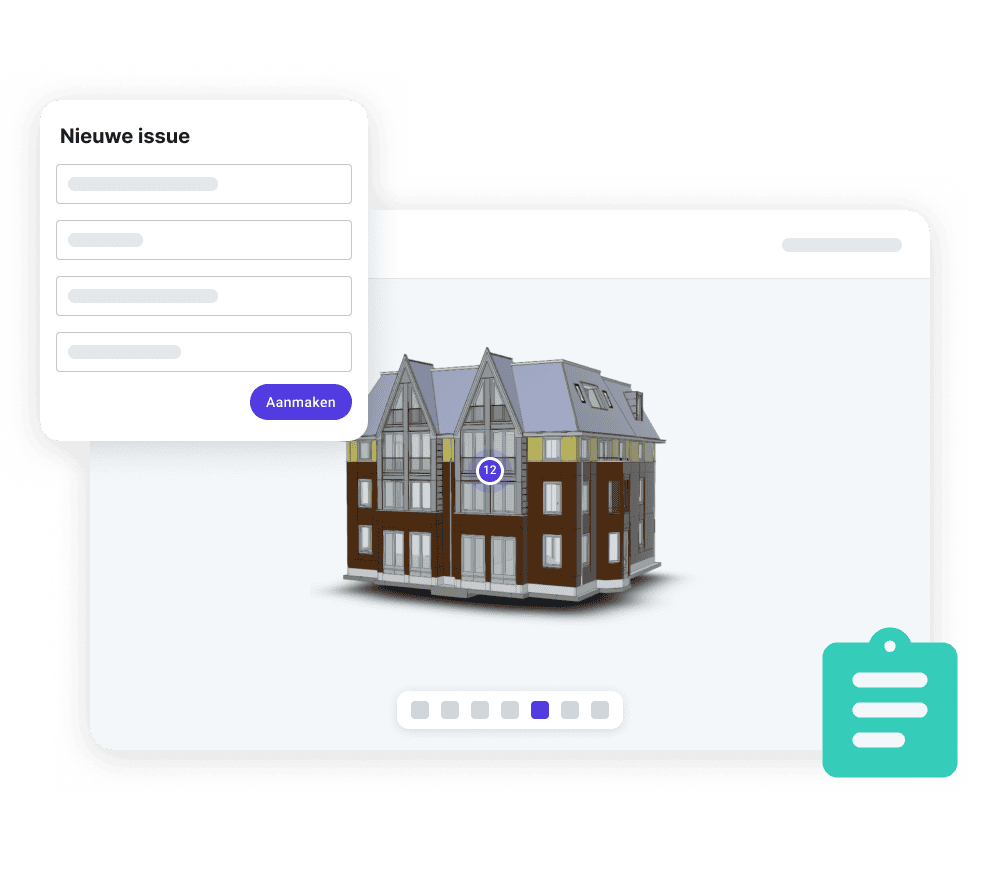
From finding to issue, not to a list
Turn a finding into an issue right away, with a snapshot, the right object and an owner. Through BCF the issue goes straight back to the authoring tool. Nothing disappears into an inbox or spreadsheet.
From the office to the site
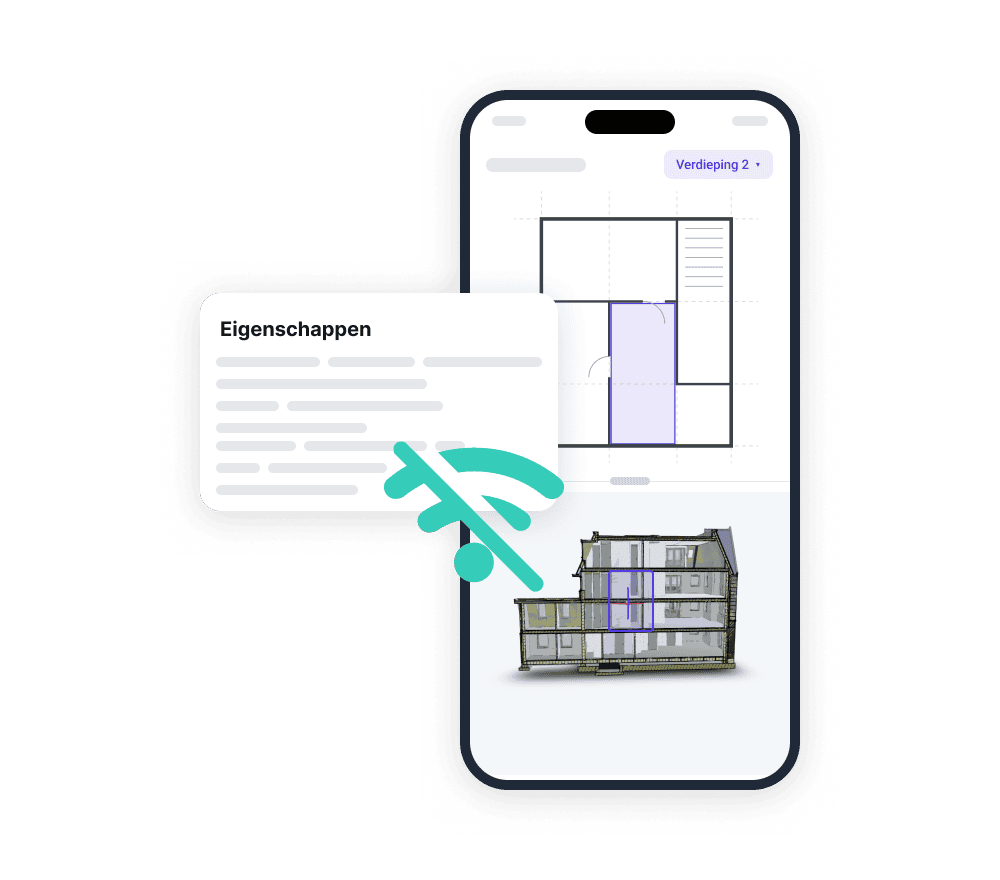
From your browser to the site. Without starting over.
With the Pro4all BIM Compass app (iPhone, Android coming soon), you take the same information with you outside. Select the floor you’re on and open the views prepared at the office. Missing a view? Create your own or adjust it, right in the app. Tap an object to see its properties, make a section, measure in the model and place a comment exactly where it belongs.
Want to look at something together? Share your screen live with a colleague or BIM coordinator (beta). You look at the same part of the model at the same time, even when one of you is at the office and the other is on site.
Download a project beforehand and you can keep working without a signal. For now, you view clash results in the web version. Whether you’re a BIM coordinator, work planner or site manager: you work with the information that matters for your job.
One model. One version that counts. The whole team.
On many projects, a model lives in two places: the latest version in the document management system, the check in a separate tool with its own copy. It soon becomes unclear which version was actually checked. And what you miss in the model, you pay for on site in rework.
With Pro4all BIM Compass in Prostream, that problem goes away. Your models already live in Prostream, with the right version and the full history. Open an IFC or IFCZIP file and Prostream converts it automatically, then the model appears in a new tab in Pro4all BIM Compass. So you always check the version that counts.
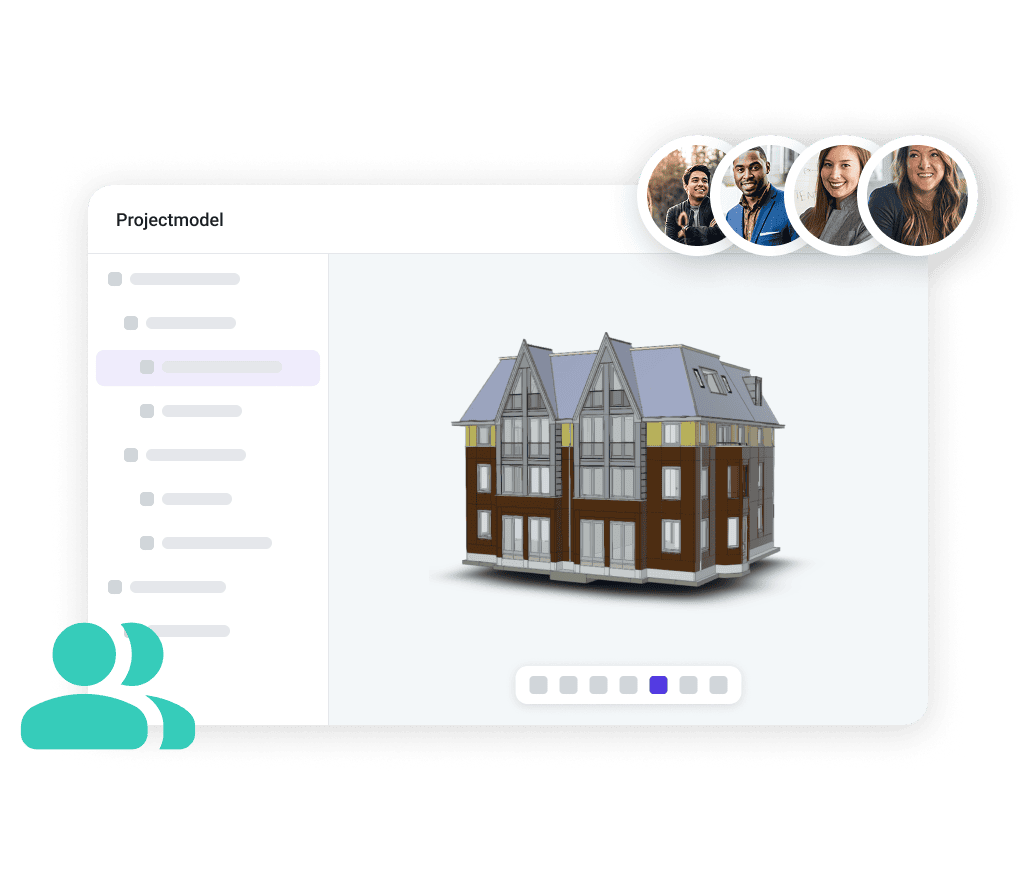
And you don’t do it alone. Work planners, site managers and project managers work with the same model, each with the part that matters for their job. External parties, such as a client, consultant or subcontractor, view and share for free, without a license or account. You decide what each of them sees, from the whole model to a single submodel. And because Pro4all BIM Compass is built on open standards such as IDS and BCF, your partners simply connect with the software they already use.
You open other 3D files in the BIM viewer, just as before. Working with Revit files? That works too.
Try it yourself
Free through November 30
Will you be our next enthusiastic customer?
What you get
- All Pro4all BIM Compass features
- On one project or several at once, you decide
- The Pro4all BIM Compass app for use on site (iPhone, Android coming soon)
- Help when you get stuck
How to switch it on

Fill in the form.

We switch on Pro4all BIM Compass for your organization and let you know.

Open an IFC model in Prostream and get started.
And after November 30? You decide whether to continue. Nothing renews automatically, so you’re never locked in.
Frequently asked questions about Pro4all BIM Compass
What is Pro4all BIM Compass?
Pro4all BIM Compass is the BIM solution from Pro4all. You view models in 3D and 2D, create your own views, validate models with IDS, run clash detection and follow up on issues, in your browser and in the app. Pro4all BIM Compass works with Prostream, so you open your models straight from your projects.
What is the difference between Pro4all BIM Compass and the BIM viewer?
With the BIM viewer you view 3D models and add annotations. Pro4all BIM Compass goes further: you validate models, run clash detection and follow up on issues. IFC and IFCZIP files open in Pro4all BIM Compass, other 3D files in the BIM viewer. Revit files work too.
Do I need to install anything?
No. Pro4all BIM Compass works in your browser and opens from Prostream in a new tab. Clash detection doesn’t need a heavy computer either, because the checks run on our servers.
Can I use my existing rule sets?
Yes. Pro4all BIM Compass works with IDS, the open standard for information requirements. Use your own rule sets, or start with the ready-made BIM basis ILS. You save your rule sets for the whole company, so every project can use them.
Can I use Pro4all BIM Compass alongside my current BIM software?
Yes. Pro4all BIM Compass is built on open standards. You exchange rule sets through IDS and issues through BCF, so you keep working with parties who use other software.
Can external parties take a look?
Yes. Everyone outside your organization views and shares for free, without a license or account. You decide what each of them sees, from the whole model to a single submodel.
Does Pro4all BIM Compass work on my phone?
Yes. In the Pro4all BIM Compass app for iPhone (Android coming soon) and in the browser on any phone or tablet. Download a project in advance and you view the model without an internet connection. In the app you view the model, create your own views, measure, make section cuts, place comments and share your screen with a colleague (beta). For now, you view clash results in the web version.
How long can I use Pro4all BIM Compass for free?
Through November 30, with all features. Fill in the form and we will switch on Pro4all BIM Compass for your organization.
What happens after November 30?
You decide whether to continue. Nothing renews automatically, so you’re never locked in. If you want to keep going, we’ll make you an offer that fits your organization.